Node.js Deployment on Neviri: Prepare, Run, and Verify Your Application
Nov 13, 2026 • 8 min read
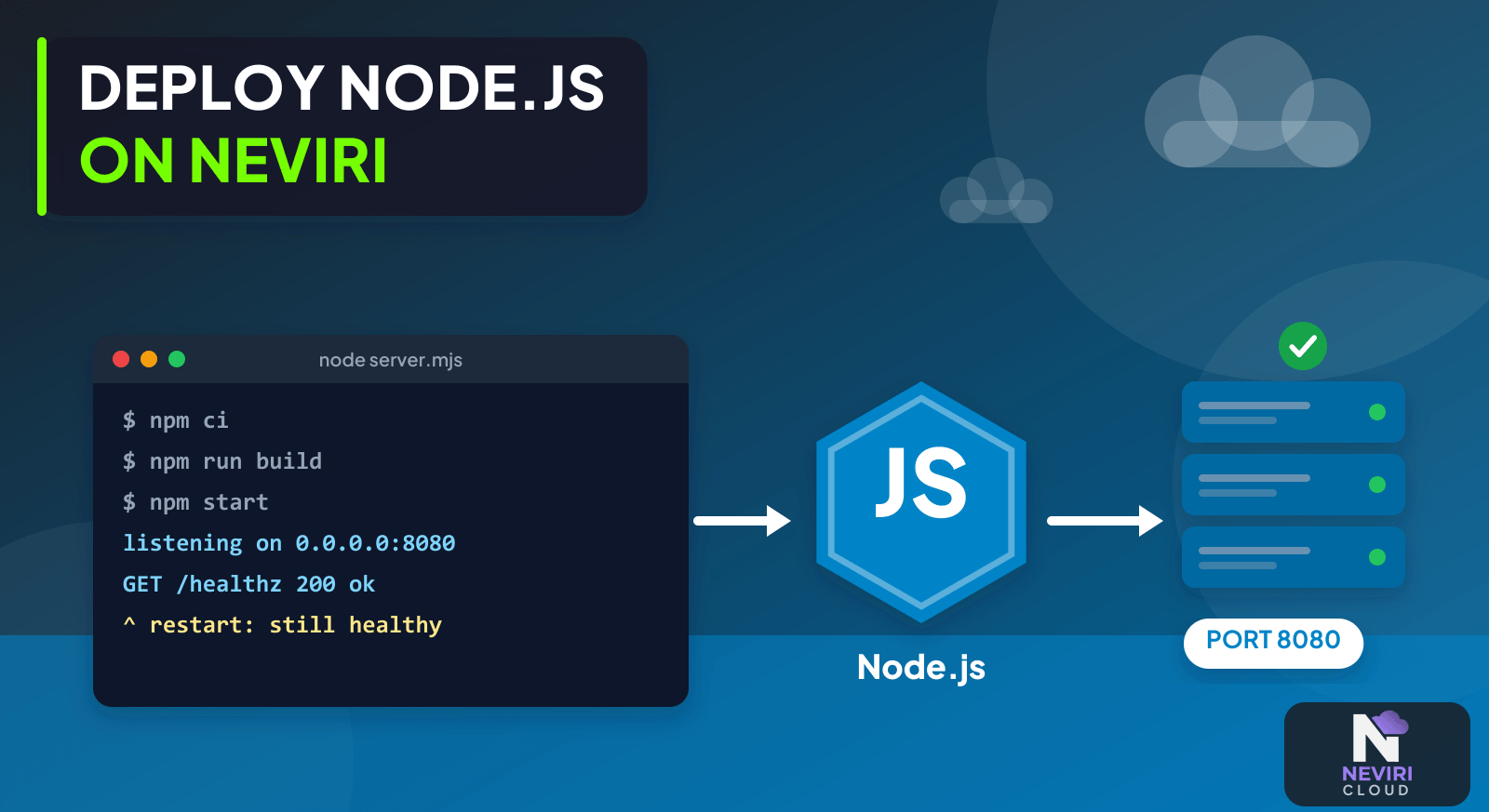
Your app runs on your laptop. You deploy it, open the URL, and get nothing useful back. Before rebuilding everything, I’d check the small assumptions that changed: the start command, the port, and the address the server listens on. Those details are easy to overlook when your development setup quietly handles them for you.
Give your app a repeatable start command, the right listening address and port, and access to the services it needs. Check those before using Neviri’s beta repository or ZIP deployment. Then try a real request and a restart, so you know more than whether the build passed.
Get the startup details right first
- Pin a supported Node.js major version and commit the dependency lockfile; use a production start script rather than a development watcher.
- Read the configured port and bind to an interface reachable by the container network; keep the platform port setting consistent.
- Provide database and service credentials at runtime, then test a health request and a realistic operation using test data.
- Review startup logs, exercise a restart, and verify retained files and background work before moving customer traffic.
Choose how you want to run the app
| Approach | Choose it when | Verification or tradeoff |
|---|---|---|
| Container | You need a reproducible runtime and dependencies | Build and test the image independently of the hosting interface. |
| Managed app deployment | You want the platform to run the process | Check beta limits and available configuration in your account. |
| VM process | You need operating-system control | Own service supervision, patches, routing, and recovery. |
A small example to try
import http from 'node:http';
const port = Number(process.env.PORT ?? 8080);
if (!Number.isInteger(port) || port < 1 || port > 65535) {
  throw new Error('PORT must be a valid TCP port');
}
const server = http.createServer((req, res) => {
  res.writeHead(req.url === '/healthz' ? 200 : 404);
  res.end(req.url === '/healthz' ? 'ok' : 'not found');
});
server.listen(port, '0.0.0.0');
This minimal listener illustrates network configuration, not authentication or a complete production application.
How do you turn the listener example into a deployable Node.js project?
Put the listener in server.mjs and define a production start command that launches that file. The .mjs extension makes the module format explicit for this example. A project using CommonJS can use its corresponding syntax instead; changing the module system is not a prerequisite for hosting a Node.js application.
Commit a package lockfile when the project has dependencies. Use the package manager and lockfile your project already maintains so the installation can be repeated. If a dependency is missing, add it to the project rather than installing it only inside the running instance. The next rebuild would lose it.
Keep build work distinct from the long-running command. A TypeScript service may need compilation before its generated JavaScript can start. A direct JavaScript service may not need that stage. The deployment should make that distinction visible, rather than using a development command that happens to compile and restart locally.
| Project item | Check before uploading or connecting the repository | Evidence of a problem |
|---|---|---|
| Entry point | The start command names a committed file | A path exists locally but is ignored or absent in the release |
| Dependencies | Runtime packages are installed by the declared process | Startup works only after a manual installation |
| Build output | Required generated files are produced before startup | The image starts a source path that requires an unavailable compiler |
| Port | The process reads the configured setting | Startup logs and routing refer to different ports |
| Configuration | Required values are supplied for this environment | The process silently connects to a development database |
Which request should you test first?
Test /healthz against the process itself before using the public hostname. In the minimal example, that request should return status 200 and the body ok; an unknown route should return 404. Those expectations describe the example code, not an availability guarantee for an application or hosting product.
Next test through the intended routing endpoint. If a local request succeeds and the routed request fails, keep the working process unchanged while investigating the route, target port, and network path. If both requests fail, inspect whether the process is still running and whether its listener started successfully.
Only after that boundary works should you add a dependency-backed request. Use a test record that your app is authorized to read. A separate controlled write can establish that your app account has its required permissions, but it should not create real customer transactions or send notifications merely to prove connectivity.
Keep a note of the expected status, response shape, and application version with these checks. That helps you tell a later regression from a routing change. A response from an old instance can otherwise make a broken new release appear successful.
What should happen when the Node.js process stops?
A service manager or supported hosting runtime should own the process lifetime. An SSH session should not be the mechanism keeping a production application running. Confirm what the selected environment does after an ordinary process exit and how it exposes repeated startup failures.
Add a graceful shutdown path appropriate to the server and runtime. Stop accepting new work, allow existing requests a bounded opportunity to finish, and close backing-service clients. Do not introduce a shutdown handler that waits forever for a dependency that is already unavailable.
Persistent uploads need a deliberate location outside replaceable process state. If your app writes a file and stores its path in a database, verify the file remains available after replacing the instance. A working record in the database does not prove that the corresponding file survived.
| Controlled test | Expected application property | What to inspect if it fails |
|---|---|---|
| Restart with valid configuration | The service returns to its expected routes | Startup command, dependency availability, and supervision |
| Start without a required setting | A clear safe error explains the missing setting | Accidental defaults and secret-bearing log output |
| Replace your app instance | Previously retained files remain accessible | Storage attachment and references tied to local paths |
| Deploy with a changed public route | Requests reach the intended version | Old endpoints, cached routing, and target configuration |
How do you make logs useful without exposing credentials?
Log request identifiers and safe error categories that connect a failed request to its server-side investigation. Keep full database URLs, authorization headers, session cookies, and secret values out of ordinary logs. Configuration validation can name a missing variable without printing its contents.
Separate an expected application error from a process crash. A rejected invalid request should not normally terminate the server. Conversely, repeatedly restarting a process that cannot load its entry point does not make that release healthy. Preserve the first useful failure message before retries bury it in repeated output.
For a slow request, record where time is spent: waiting for an application connection, executing a database operation, or calling another service. CPU graphs alone cannot identify these boundaries. This observation also makes the first resource-sizing decision more defensible than assuming every slow response needs a larger VM.
Use the official Node.js HTTP API for the server lifecycle and listener behaviour. The local example checks establish only that its tiny server responds as written; validate the complete application with its own routes, permissions, and operational requirements.
Local defaults can hide a deployment problem
A locally working Express application can fail on a host because localhost, a hard-coded port, or an interactive terminal is part of its accidental configuration. Separate those assumptions from your app before deployment. Neviri’s offer page describes repository and ZIP deployment as beta; check the current settings in your account as you work through the preparation.
Questions you might have
Why does Node.js work locally but fail after deployment?
Local success does not validate the production runtime, configuration, or network path. Compare the Node version, start command, dependency installation, listener address, port, and required environment variables. Diagnose the first startup error before changing infrastructure, and use a realistic request to distinguish an unreachable process from a failing dependency.
Which port should your app listen on?
Your app should listen on the port configured for its hosting environment. Read a runtime setting such as PORT, validate it, and keep it consistent with routing and health checks. A locally chosen default is useful for development but does not establish which port Neviri expects for a particular deployment.
Does a successful build prove deployment is complete?
A successful build proves neither that the process stays running nor that users can reach it. Check startup, the health endpoint, a realistic database operation, and restart behaviour. Record the deployed version and configuration names so later failures can be compared with the release that previously worked.
Keep reading
Deploy a Next.js Application on Neviri; Separate Background Workers from Your Web Application; Container Health Check on the Wrong Port: Diagnose Failed Deployments; A Production Readiness Checklist for Your First SaaS Application; Secure SSH Access to Cloud Servers Without Losing Recovery.
Make the next deployment easier
You don’t need to solve every production concern in the first release. You do need to know what starts the app, how a request reaches it, and what happens when the process stops. Get those answers clear, then add the database-backed checks. That’s a much calmer starting point for your next deployment.
Before connecting the Node.js service, check the available runtime, listening port, and environment settings against the current Neviri knowledge base.
Sources and further reading
Node.js documents server.listen as the API that starts accepting connections; the listening address and port are application deployment inputs. Node.js documentation.
Deployed a Node.js app to production without Docker — here's the whole setup describes a related situation: A Node.js deployment account describes the need for a process to survive reboots and disconnected terminals; network and port configuration are separately supported by runtime documentation.